AI
Myra AI
Your AI beauty assistant. She knows your skin, your bag and your routine. Ask her anything, or send her a photo.
Coming soon to iOS and Android
Snap today's outfit. See four makeup looks on your own face, made from the makeup you already own, in shades true to your skin.
Or try it now on the web
Makeup artist? Open the Artist Studio
Why MyraGlow
Shades that turn grey or ashy on deeper skin.
Every shade follows your exact depth and undertone.
Endless catalogues of things to buy.
Looks made from the makeup already in your bag.
Looks shown on someone else's face.
Every look on your own face first, then step by step.
How it works
Show a product to the camera, scan its barcode or search for it. Add a palette and every shade comes with it.
Get four looks that match it, each one shown on your own face, using only what's in your bag. Or let it pick from anything.
Each step on your own photo, or on your live camera so you see exactly where it goes. The product and brush are named for every step.
Try it here
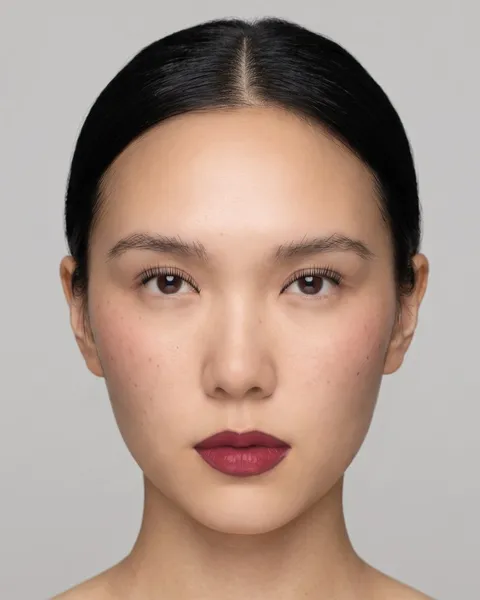
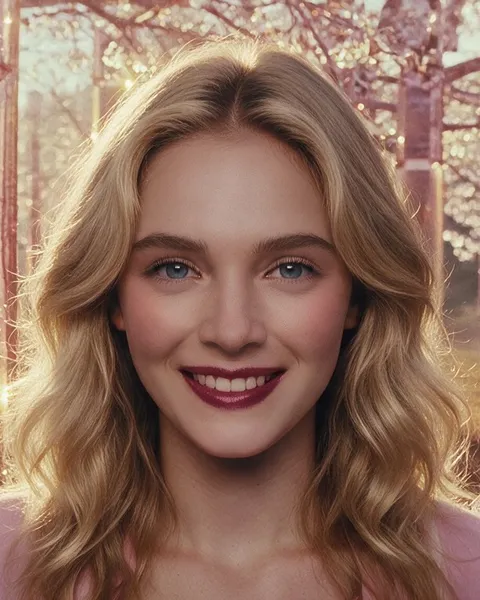
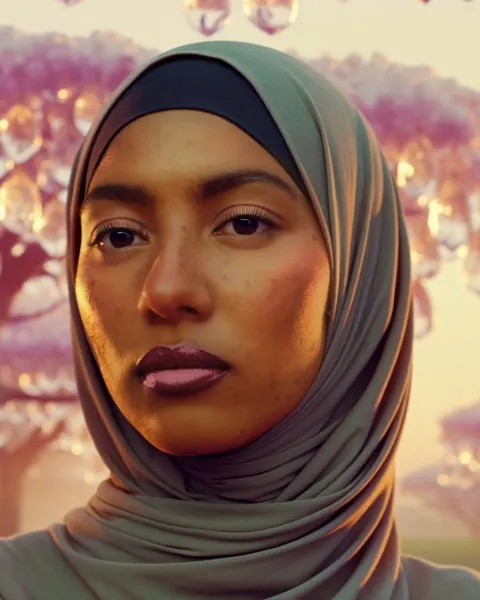
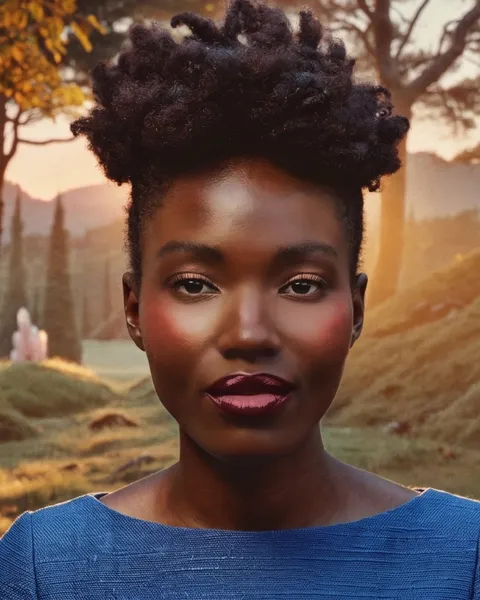
These are the looks the MyraGlow app picked for each outfit, painted on four faces. In the app, they're painted on yours, from the makeup in your bag.
The outfit
The face
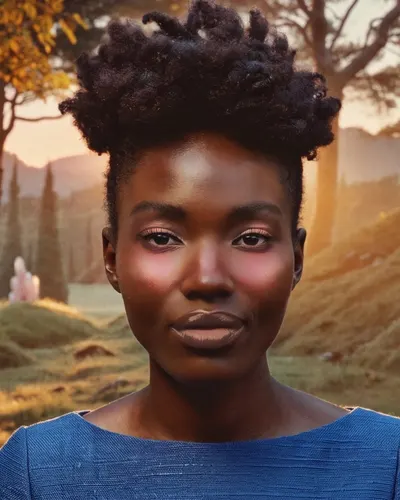
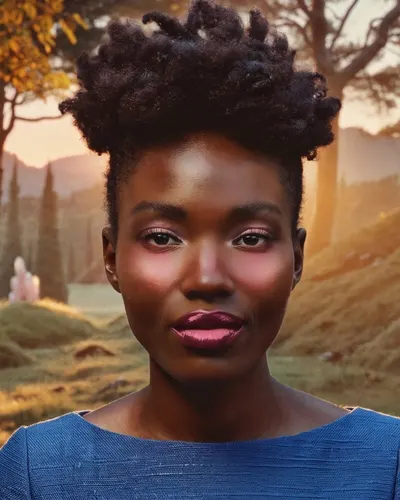
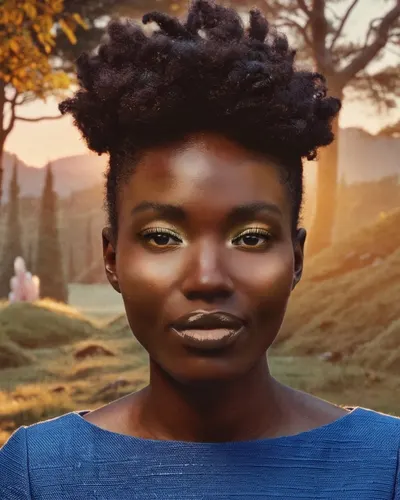
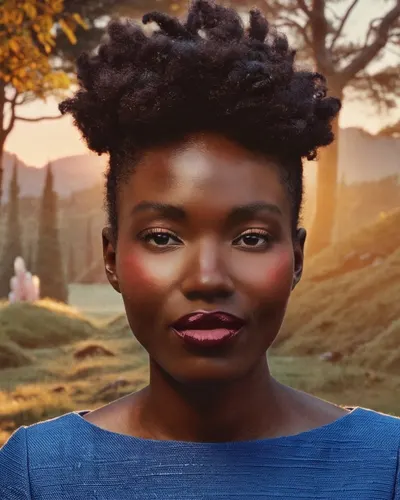
Looks picked and painted by the MyraGlow app. The faces and outfits are AI-made.
True to you
Richer, never ashy, on deep skin. Softer on fair skin. Shades follow your exact depth and undertone, and your skin tone only changes if you ask.
56%
of women with darker skin struggle to find their shade. Cosmetics Observatory, 4,300+ US women, March 2026.
Everything in one place
Your AI beauty assistant. She knows your skin, your bag and your routine. Ask her anything, or send her a photo.
Try new hair, a headscarf, jewellery, glasses or a new background on your own photo. Retouched posts are always labelled.
Nine areas checked from a selfie, a morning and night routine, and progress check-ins.
Guidance only, not a medical diagnosis.
Every product with its opened date and best-by date, a reminder before it expires, and the shades you own used first.
Some Buy links earn us a commission, at no extra cost to you.
Glow
Share the look you actually wore, find your people, and get ideas from every skin tone.
For makeup artists
Send your outfit and, if you like, your photo. A real makeup artist designs the look on you, and you approve it before the day.
Our promise
Looks are painted on your phone. A photo only leaves it when you choose: an AI picture, a skin analysis, a post or an artist. The app asks before any face photo goes to AI.
We don't sell your photos or your data, and nothing you share is used to train AI. Delete your face photos any time.
Myra AI is an AI assistant and says so. AI pictures are marked, and the products you own come first.
Questions
Soon, in the US first, on iOS and Android. Join the waitlist and we'll email you the day it opens. You can already try it on the web.
You add your products once, by camera, barcode or search. In "My bag" mode every look is built from those shades. If a step needs something you don't have, it's marked and you get a tip for what to use instead.
Every shade follows your exact depth and undertone. On deeper skin, shades go richer and warmer, never grey. We tuned it on faces from very fair to very deep.
Yes. Headscarf looks are made for your scarf's colour, and you can try scarf styles on your own photo in Makeover.
They're kept on your phone. A photo only leaves it when you choose to share it, for example for an AI picture, a skin analysis or a post, and the app asks before any face photo goes to AI. We never sell them or use them to train AI.
No. Myra AI is an AI beauty assistant, and she always says so. Skin Analysis and her tips are guidance, not medical advice.
Be first to glow
Coming to iOS and Android. We'll email you the day it opens.
You're on the list. Thank you.
Two quick questions, if you like:
I'm here for